
| This scenery is designed for | FS98 + LAGO Tokyo scenery. |
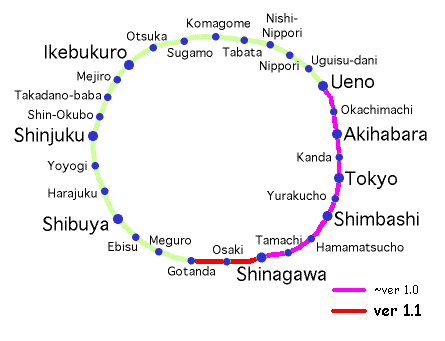
| I make the version for LAGO (in Japan by TwilightExpress corp.) Tokyo scenery, of Tokyo Metropolitan Expressway & Yamanote-line Scenery (TW version). In this version, the construction of railway is completed from Shinagawa to Gotanda. Further, I put one train of CW direction between Osaki and Shinagawa. A display of this scenery is possible only for FS98(English version) with FS98converter (I call it FS98+.), because of a limitation of the number of the objects from a characteristic of FS. (I hear that FS98(J) can handle it without any conversion. ) | |||
| a | |||
| Tokyo Metropolitan Expressway Scenery (TW version) | ver 0.9 | ||
| Yamanote-line Scenery (TW version) | ver 1.1 | ||
| a | |||
| Shinagawa Intercity Scenery | ver 1.0 | ||
This scenery is designed for Tokyo scenery by TwilightExpress (in Japan), created by LAGO (LAGO sells it in western countries.).
Photo-realistic scenery is very beautiful specially viewed from distant place. So in this scenery, I set visibility low for not appearing the highway without coming close. If you cannot see the highway because of hysteresis effect, this is a reason. You will get better appearance of the road in case that you will turn around several times or use direct positioning in a Slew mode.
In this version, whole of #3 Shibuya line is opened ! Yoga toll gate (on thru traffic) and Yoga entrance-exit are made.
At some points that LAGO original objects are very close to Tokyo MEX objects, an order of the objects for seeing is not correct (e.g. vicinity of Roppongi Ark Hills). This is a present situation because I make my sceneries with an attention to not remodeling original LAGO objects.
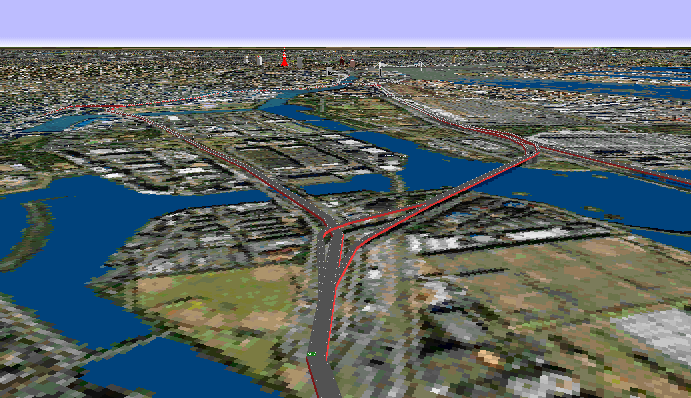
Because it's heavy, I make another page of Photo gallery, it's HERE.
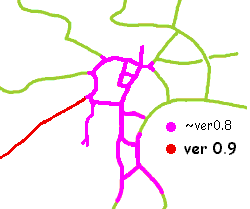 |
Retouched textures(You can use this scenery without changing these textures if you can endure some ugly view.)
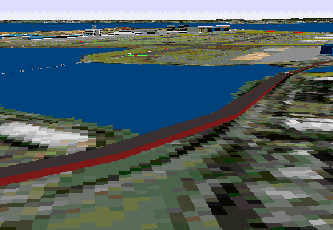 | 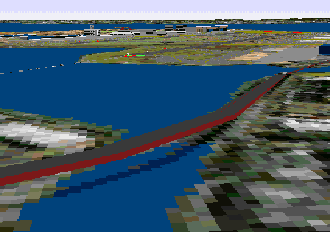 |
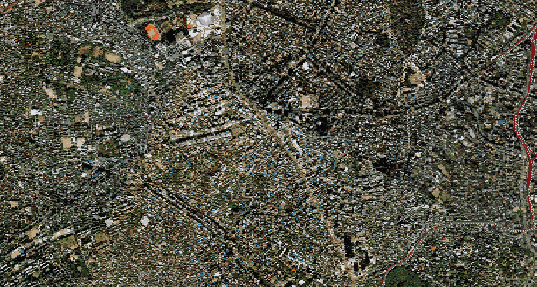
| I retouch the places where the color of the sea is green in part and appearance of an unknown object on the sea like this. (The location is between Showa-jima island and Omori-minami.) | |
 | |

In this version, the construction of railway is completed from Shinagawa to Gotanda. Further, I put one train of CW direction between Osaki and Shinagawa.
This scenery is designed for Tokyo scenery by TwilightExpress (in Japan), created by LAGO (LAGO sells it in western countries.).
Photo-realistic scenery is very beautiful specially viewed from distant place. So in this scenery, I set visibility low for not appearing the highway without coming close. If you cannot see the highway because of hysteresis effect, this is a reason. You will get better appearance of the road in case that you will turn around several times or use direct positioning in a Slew mode.
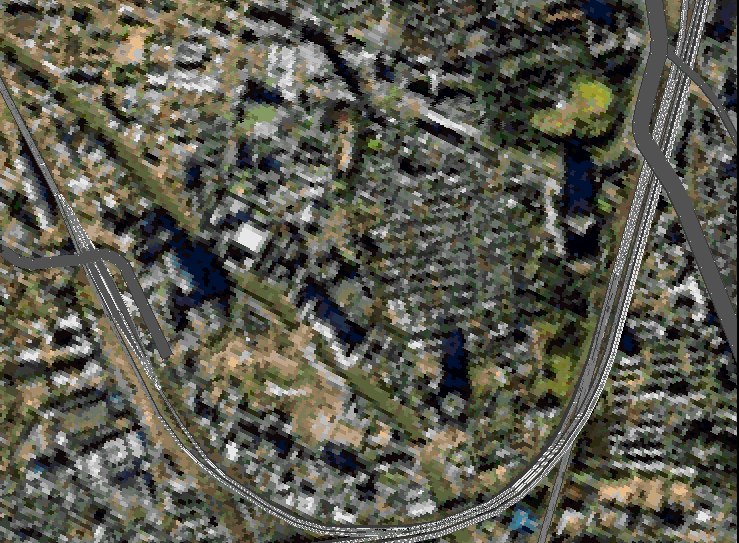
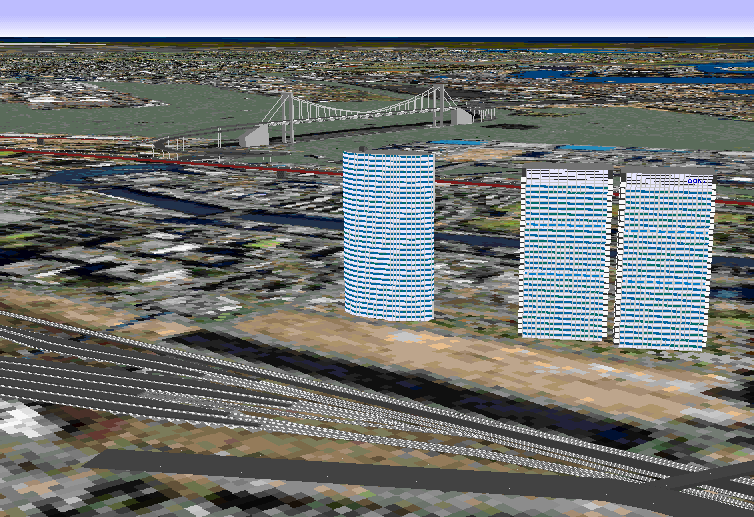
Yamanote-line train of CW direction from Shinagawa to Osaki.
Near tracks are Tokaido Shinkansen line, right edge tracks are
Tokaido line and Keihin-Tohoku line, the red road at far is
#1 Haneda line of Tokyo MEX, and Shinagawa Intercity buildings
at the left you can see.
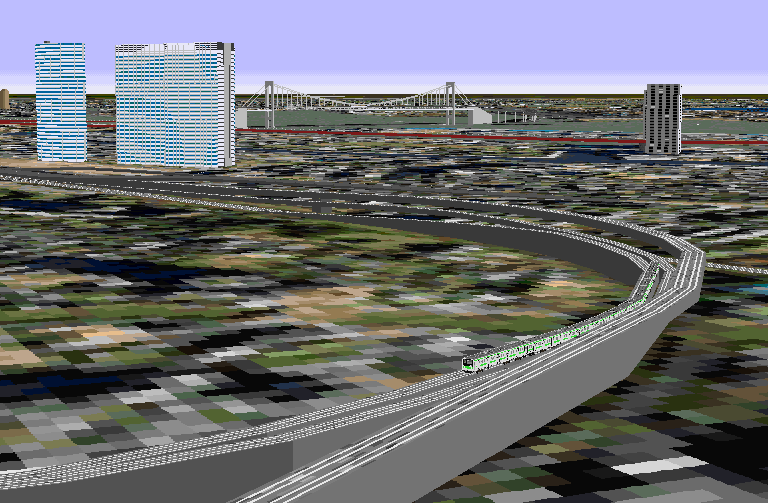
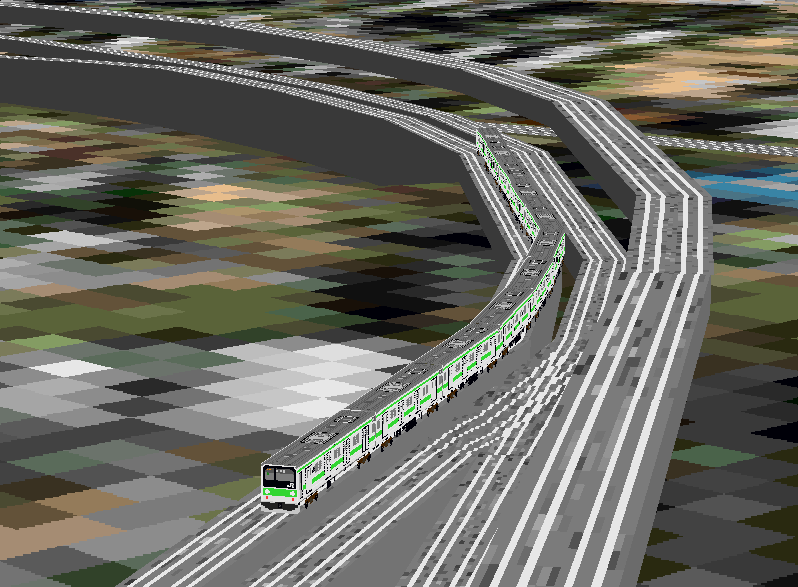
Magnified view of this Yamanote-line train.
Because it's heavy, I make another page of Photo gallery, it's HERE.
it's "long", from now on yet. It may be life work ? |
 |

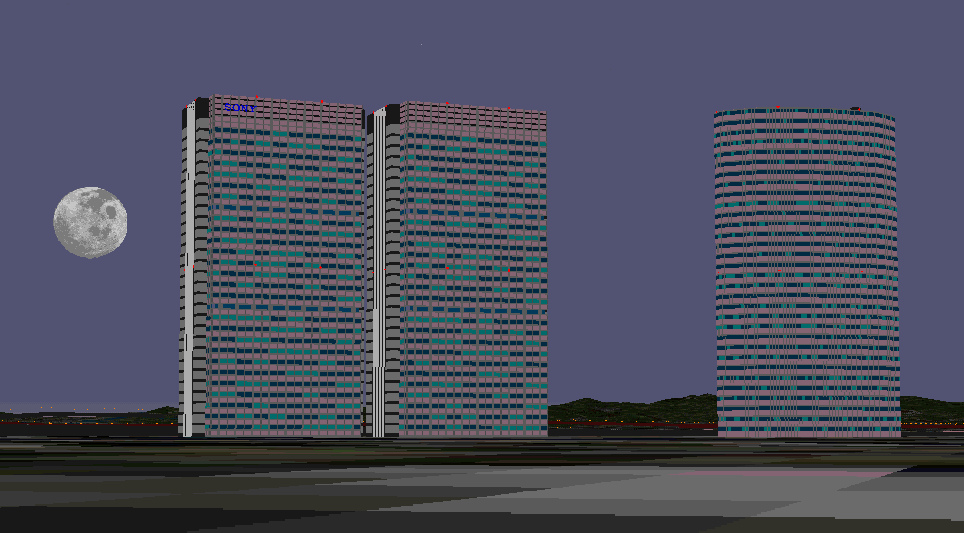
I have made some sceneries, at last I make normal buildings in this time. (I think NAGANO Ski Jumping tower is not a normal one, isn't it ?) The number of the objects and the time for constructing of Tokyo MEX and Yamanote-line tracks are very larger than these of the buildings (specially, curb rails and inter changes have many objects.).
 |
Making of Tokyo Highway I introduce you a brief description of the road work.
Display limit of a scenery
Dynamic scenery Tips |
Distinguish versions
Please look a property of this bgl file by clicking a right button of the mouse. You will find a difference of modified date and size of the file like this.
| Tko_new.bgl ver0.1 | Jun.21,1997(modified date) | 323KB(file size) |
| Tko_new.bgl ver0.4 | Jul.13,1997(modified date) | 416KB(file size) |
| Tko_new.bgl ver0.5 | Oct.26,1997(modified date) | 485KB(file size) |
| Tko_new.bgl ver0.6 | Dec.21,1997(modified date) | 562KB(file size) |
| Tko_new.bgl ver0.7 | Feb.15,1998(modified date) | 701KB(file size) |
| Tko_new.bgl ver0.8 | Jun.14,1998(modified date) | 730KB(file size) |
| Tko_new.bgl ver0.9 | Sep.20,1998(modified date) | 759KB(file size) |
| Tko_new.bgl ver1.0 | Feb.14,1999(modified date) | 843KB(file size) |
| Tko_new.bgl ver1.1 | May 29,1999(modified date) | 880KB(file size) |
| CAUTION Installation is different from usual one. After keeping the scenery file Tokyo.bgl in a directory of Twilight Tokyo scenery and some texture files to a safe place, please install this scenery. Please read Readme-e.txt file after download and unzipped.
|
Scenery FAQ
This scenery cannot be used with the other sceneries in my experiments. (Because Twilight scenery with photo-realistic ground texture does not allow the other scenery "alive".) This is a reason why installation method is different from usual sceneries. Please look HERE in detail.
| Download |
| This scenery is FREE ware, but it is very appreciate if you give me a donation using this page. |
| Whether you give a donation or not, the function of this scenery is not affected. There is no limit to the function of this scenery. |
| And donation not for my scenery software but for my web site is also appreciated very much. |